Other windows
Short descriptions of the windows that are not part of the everyday workflow.
Encryption Manager
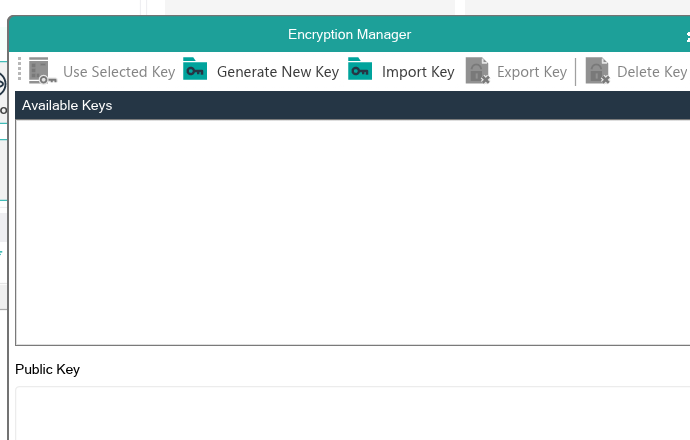
Tools ▸ Encryption Manager. Holds the keys used to encrypt logs and to lock a logger.
| Button | Use |
|---|---|
Generate New Key | Creates a key pair |
Import Key, Export Key | Brings a key in from a file, or saves the selected key to a file |
Use Selected Key | Makes the selected key the active one |
Delete Key | Removes the selected key |
Available Keys lists the keys; Public Key shows the public part of the selected one. A key made here can then be chosen in the Encrypt tile of a configuration. See Block settings reference.
Export every key you use and keep the file safe. Logs encrypted with a key cannot be read without it.
Database Library
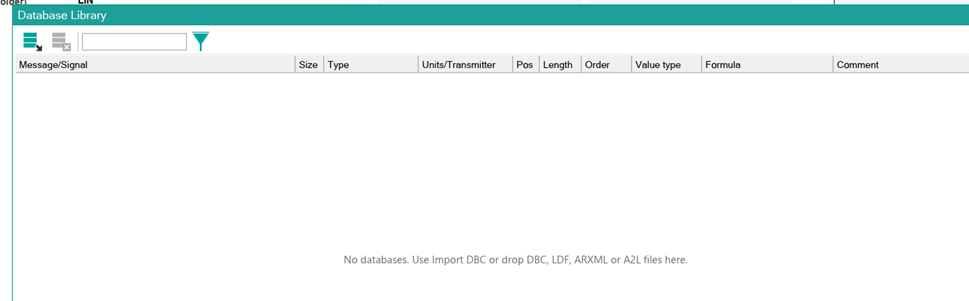
Window ▸ Database Library. A list of signal databases for working with logs, separate from the Library pane of a project. Empty, it reads "No databases. Use Import DBC or drop DBC, LDF, ARXML or A2L files here."
Columns: Message/Signal, Size, Type, Units/Transmitter, Pos, Length, Order, Value type, Formula, Comment.
IMU Mapping
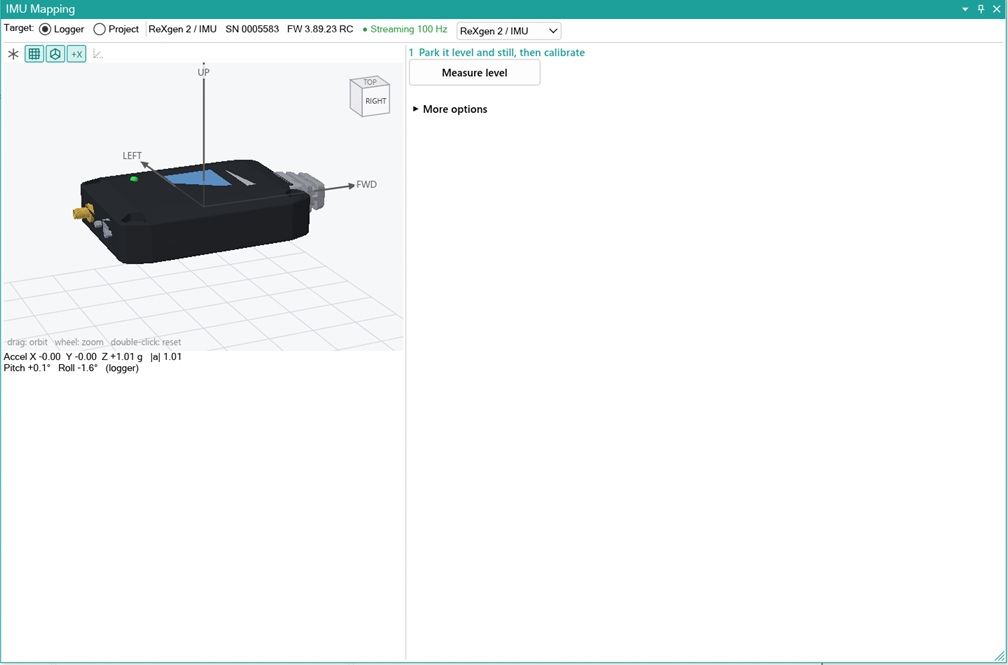
Device ▸ IMU Mapping. Tells the logger how it is mounted in the vehicle, so that its accelerometer and orientation channels are reported in vehicle axes. See Map the IMU to the vehicle.
About REXDESK
Help ▸ About REXDESK shows the version number and a Third-party notices link.
Related
---
Written for REXDESK 1.0.0.791 (23 Nov 2026).